Built by an operator
For operators
Find every template for your F&B business,
and more ...
Recipe costing, pour cost, staffing, inventory and P&L templates for Excel and Google Sheets. Instant download, yours for life.
Featured templates
Your most-used templates
Pick the one you need. Each works in Excel and Google Sheets.
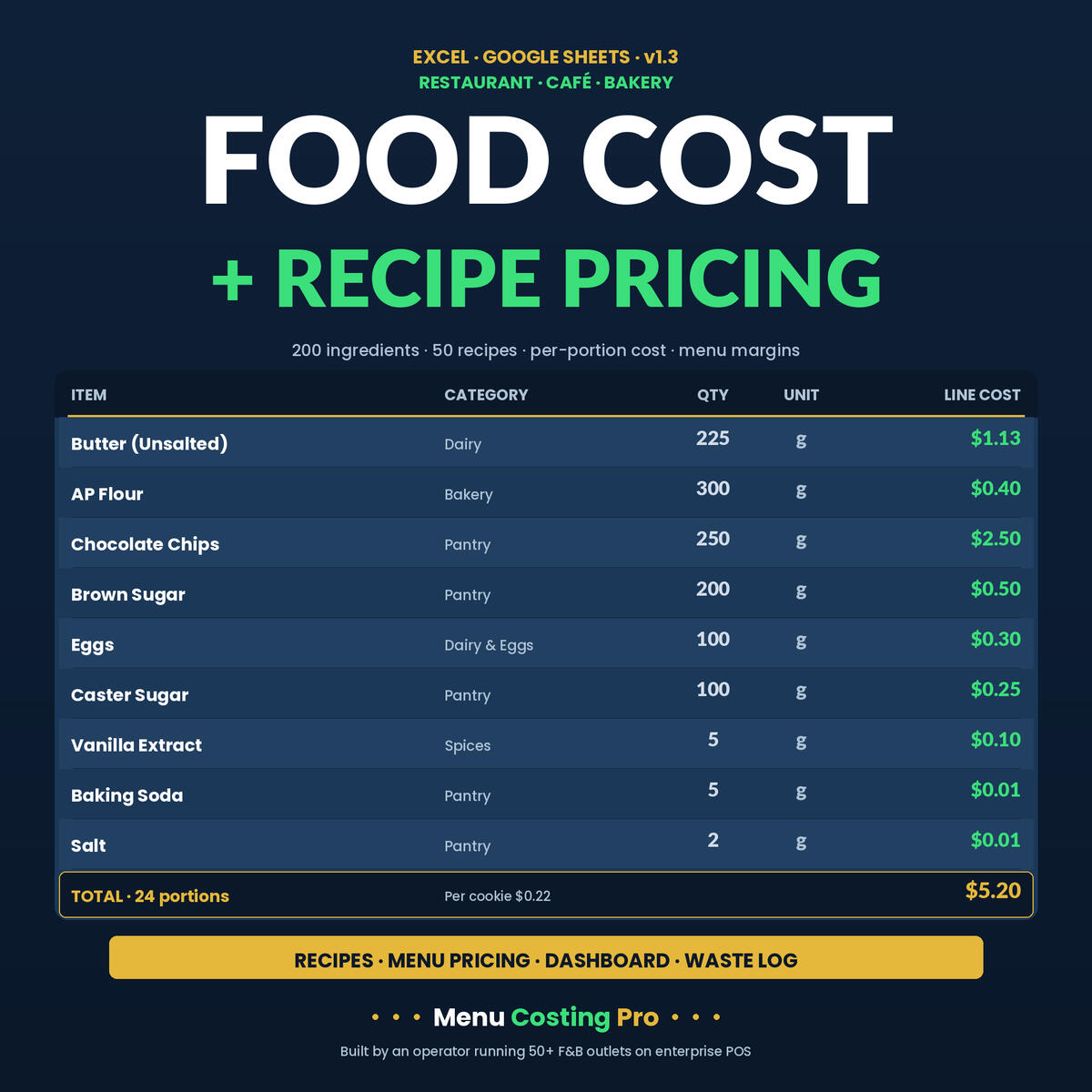
Recipe Cost Calculator
Cost every dish to the cent
Price it appropriately
$25
Cocktail Recipe Costing
Cost every cocktail and drink
Price them appropriately
$25
Bar Financial Model
Investment Pro-forma
5 Years P&L Projection
$35
Why operators use these
The same discipline a $1,000-a-month POS gives you, at Excel price
Real margins, not guesses
Type in your supplier prices and the sheet shows your true cost percent and a suggested price on the spot.
Works where you already work
Excel or Google Sheets, on any device. No subscription, no login, nothing new to learn.
Built by an operator
These are the costing tools I run across 50+ F&B outlets, rebuilt so any independent can use them.
Start here
Two ways to start
Grab one template or the full bundle. Both download instantly
STARTER
$19
Bakery Recipe Cost Calculator — cost per cookie, loaf or cake and price for profit. A perfect first template.
BEST VALUE
$85
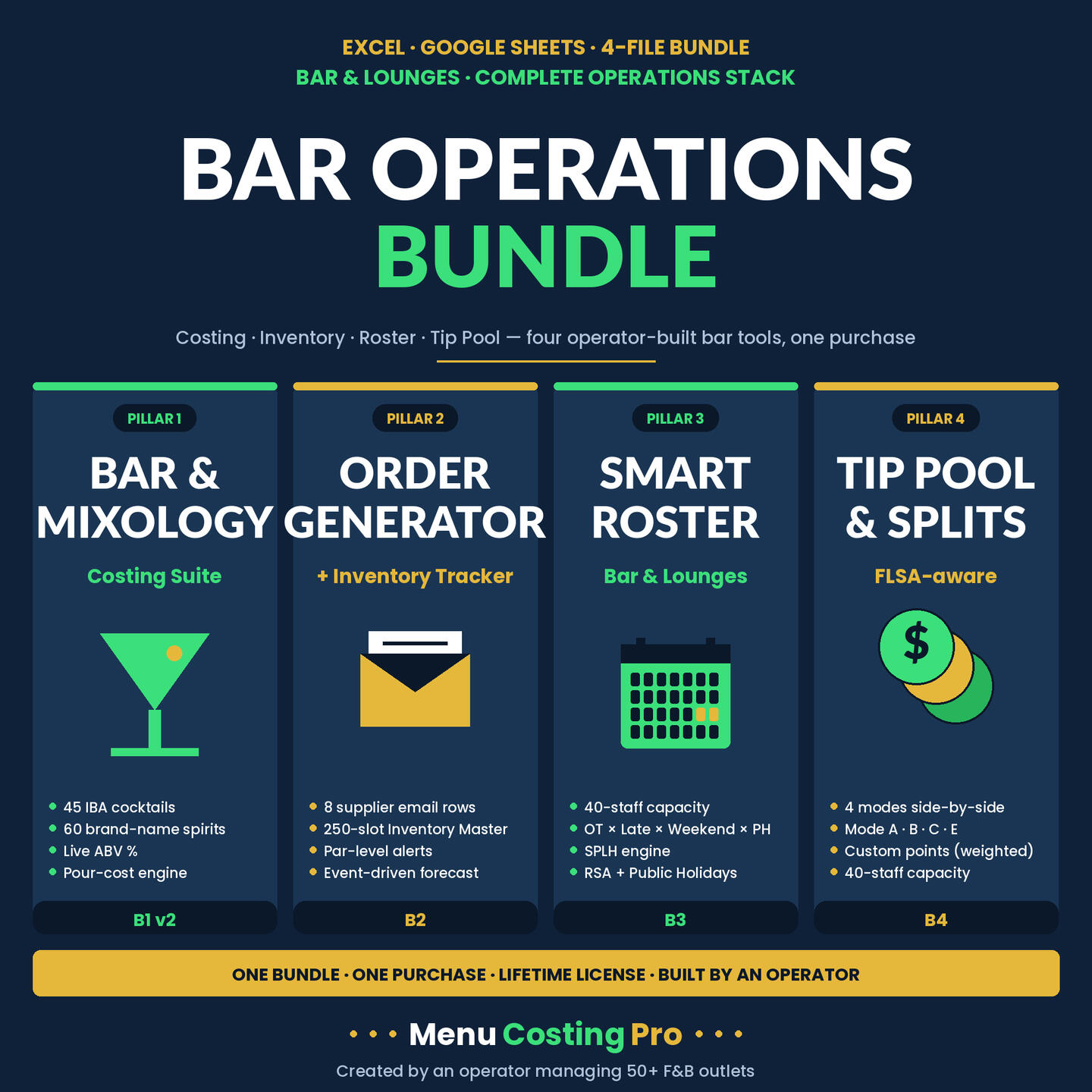
Bar Operations Bundle — cocktail costing, inventory, roster and tip pool.
The full operator kit.
See all my templates on Gumroad
Costing, inventory, rosters, P&L and more. Find the one for your operation on Gumroad.
Not ready to buy?
Grab a free food-cost checklist and see how the templates think.
FAQs:
1. Does it work in Excel and Google Sheets?
Both. Every template opens and recalculates the same way in Excel (2016 and up, plus Microsoft 365) and in Google Sheets. There's no XLOOKUP, LET, or LAMBDA, so nothing breaks when you move a file between them.
2. How does the costing actually work?
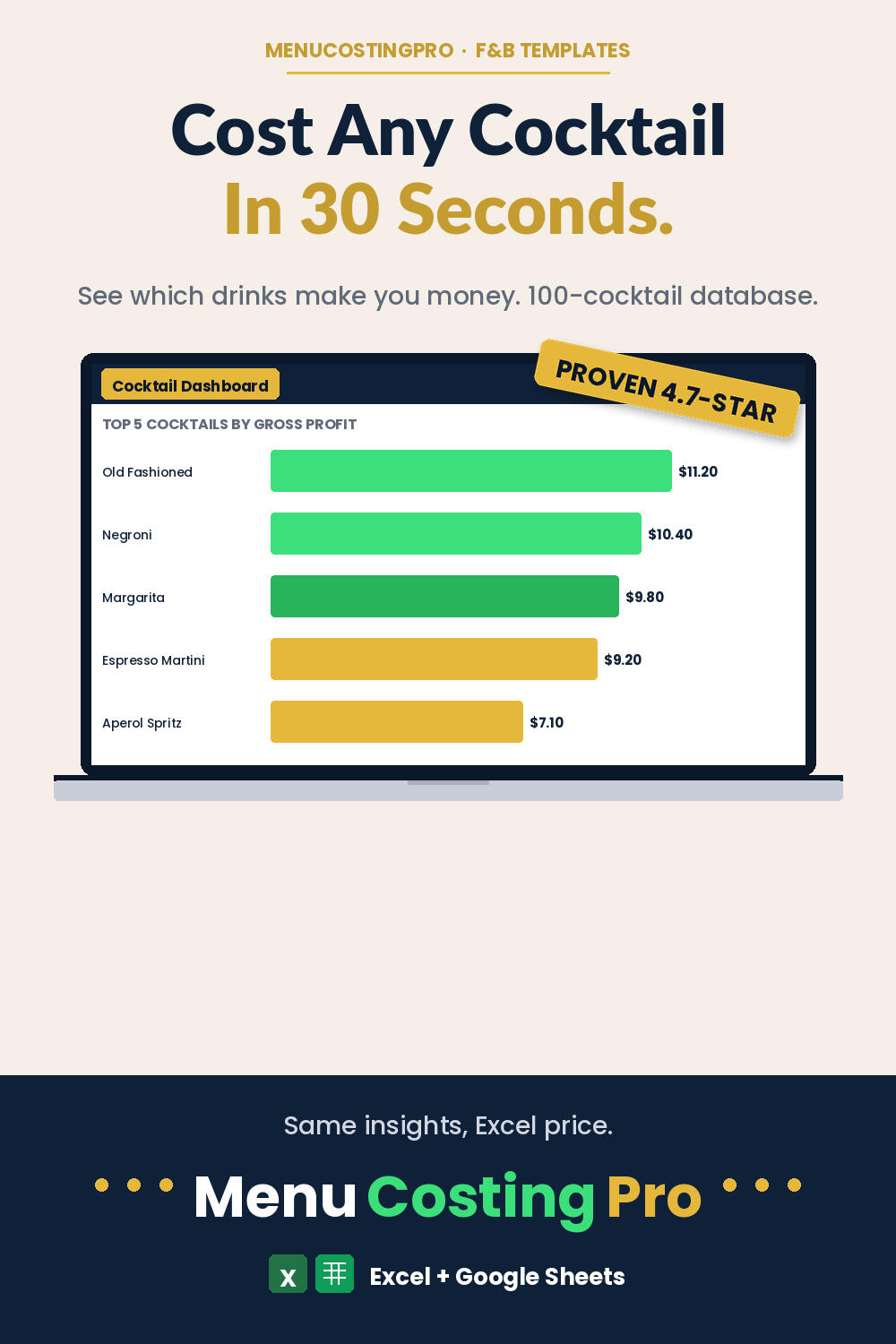
You enter what you pay your supplier for each ingredient or bottle, and the sheet breaks every recipe or pour down to its true cost, shows your cost percentage, and suggests a price that hits the margin you set. The dashboard then ranks your items so you can see which ones make money and which are quietly bleeding.
3. How long does setup take?
Most operators are running real numbers inside 30 minutes. You type your prices into the light-blue input cells and the dashboard updates itself. Every formula is pre-built , so there's nothing to wire up.
4. Do I need to be good at Excel?
No. You only touch the input cells and the included Quickstart Guide walks the setup in five steps.
5. What's included, and how is it licensed?
A connected workbook plus a Quickstart Guide PDF, under a lifetime single-user license — yours forever, on any device, for your own bar or kitchen. One-time payment, no subscription, no login. Free updates and one free personalization are included.
6. Can I get a refund?
Because these are instant digital downloads, they're generally non-refundable, so message me before you buy if you're unsure about fit. I answer within 24 hours and I'm happy to confirm a template will work for your operation.